
Stop losing the tools worth using.
This is AInitiation Media's internal browser bookmark library, made public. 300+ tools across 15 categories, organised exactly how we use them to run the brand day to day.
Every tool in here earns its place because it solves a real problem in the workflow. Not a curated list assembled for a lead magnet. The actual setup we use.
Import once into any browser. The folders are there when you need them.
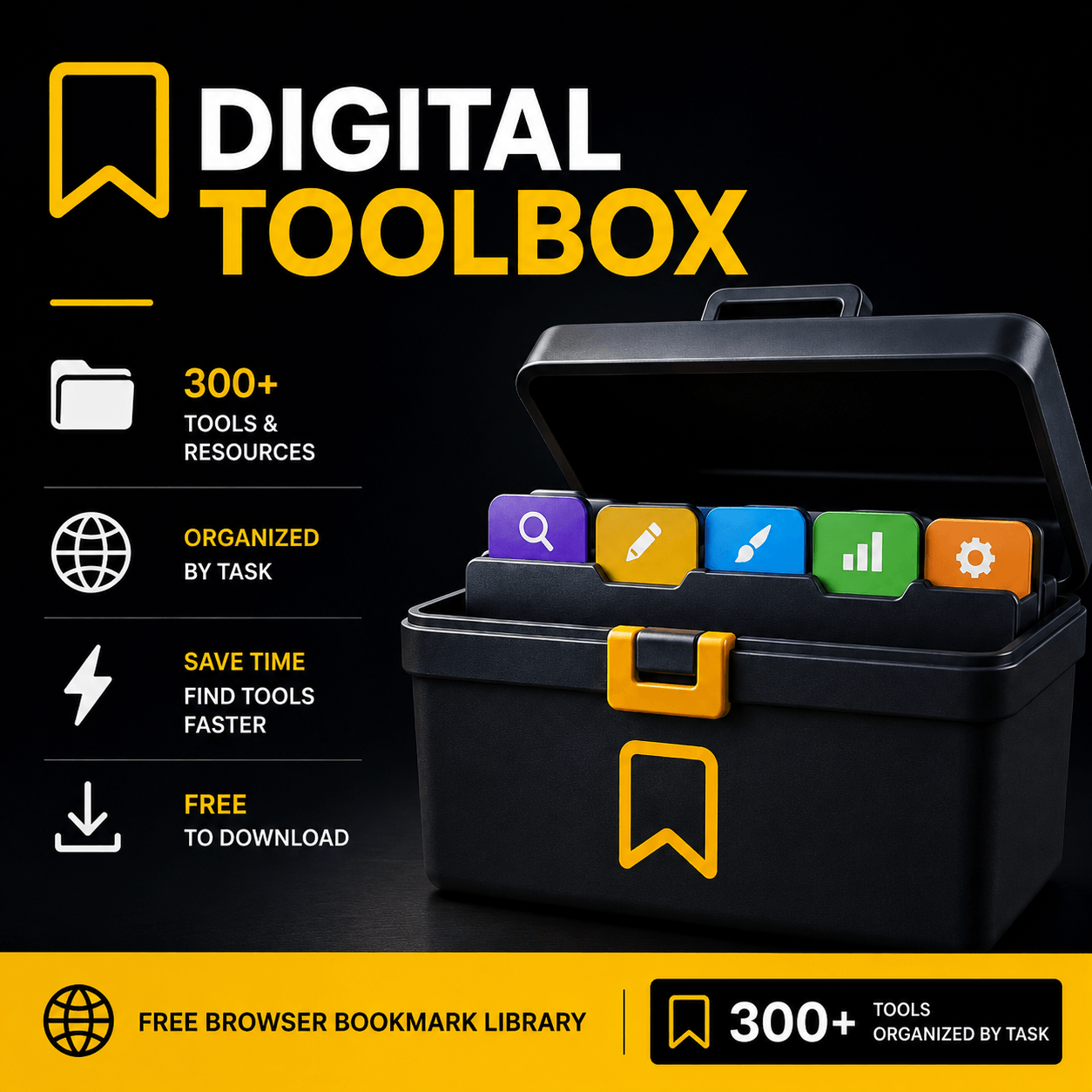
The same bookmark library AInitiation runs internally. Free to download and import in seconds.
Get it freeFree. No payment required.
AInitiation Media runs its entire workflow from a single browser bookmark library. Research, writing, design, video, audio, social media, marketing, legal, repurposing. Every stage has its own folder with the tools that actually get used.
We made it public because the problem it solves is universal. Too many useful tools saved in too many places, impossible to find when you need them. The Digital Toolbox is the fix we built for ourselves first.
Add to your browser
Import the bookmark file into Chrome, Firefox, Safari, or Edge. Takes under a minute.
Browse by category
Every tool lives in a named folder by task. Open the right folder, pick the right tool.
Use what you need
The Toolbox is not a list to finish. It is a reference to reach for when the work needs it.
AInitiation Media runs its entire workflow from a single browser bookmark library. Research, writing, design, video, audio, social media, marketing, legal, repurposing. Every stage has its own folder with the tools that actually get used.
We made it public because the problem it solves is universal. Too many useful tools saved in too many places, impossible to find when you need them. The Digital Toolbox is the fix we built for ourselves first.
Add to your browser
Import the bookmark file into Chrome, Firefox, Safari, or Edge. Takes under a minute.
Browse by category
Every tool lives in a named folder by task. Open the right folder, pick the right tool.
Use what you need
The Toolbox is not a list to finish. It is a reference to reach for when the work needs it.
Clear on what it is not.
15 categories. Everything in its place.
These are the 15 workflow categories AInitiation uses internally. Each one has subcategories with the specific tools for that job. Open the folder, find the tool, use it.
One import. Works in every major browser.
Chrome
Open Chrome. Go to Bookmarks menu. Click Import bookmarks and settings. Select the HTML file.
Firefox
Open Firefox. Go to Bookmarks menu. Click Manage bookmarks. Select Import and backup, then Import bookmarks from HTML.
Safari
Open Safari. Go to File menu. Click Import from. Select Bookmarks HTML file and choose the file.
Edge
Open Edge. Go to Settings. Click Import browser data. Select Import from file and choose the HTML file.
Brave
Open Brave. Go to Bookmarks menu. Click Import bookmarks and settings. Select the HTML file. Brave shares Chrome's import flow.
Opera
Open Opera. Go to the Opera menu. Click Bookmarks then Import bookmarks. Select the HTML file to import.
Vivaldi
Open Vivaldi. Go to File menu. Click Import from HTML file. Select the bookmarks HTML file and confirm.
Arc
Open Arc. Go to File menu. Click Import. Select Bookmarks HTML file. Arc places imported bookmarks in your library.
300+ tools. One import. Free.
The same toolkit AInitiation Media runs on. Organised by workflow stage, built from real use, not assembled for the sake of a lead magnet.
Free. No payment required.